The UK is transforming its approach to immigration status confirmation. Conventional documents such as Biometric Residence Permits (BRPs), Biometric Residence Cards (BRCs), and visa stickers in passports are replaced by an innovation termed eVisa. eVisa means electronic proof of such status, which can be stored electronically as opposed to taking hard copies. UK Visas and Immigration (UKVI) initiates a gradual introduction of new measures affecting numerous individuals who reside, work, study, or travel to the UK.
For most individuals, this shift is quite easy to follow. However, some people may be puzzled by the changes at the initial stage. Therefore, common questions upon the beginning of the implementation process are “What will happen to your old BR?” “Will I have to apply again?” and “Will my old card still be valid at the border?”
It should be highlighted that without any change of your immigration status you will only see a different way of storing and managing data regarding your immigration status.
This guide explains what a UKVI account is, who needs one, and how to set it up the right way the first time. Getting it right avoids problems at the airport, with your employer, or with your landlord.
What is a UKVI Account?
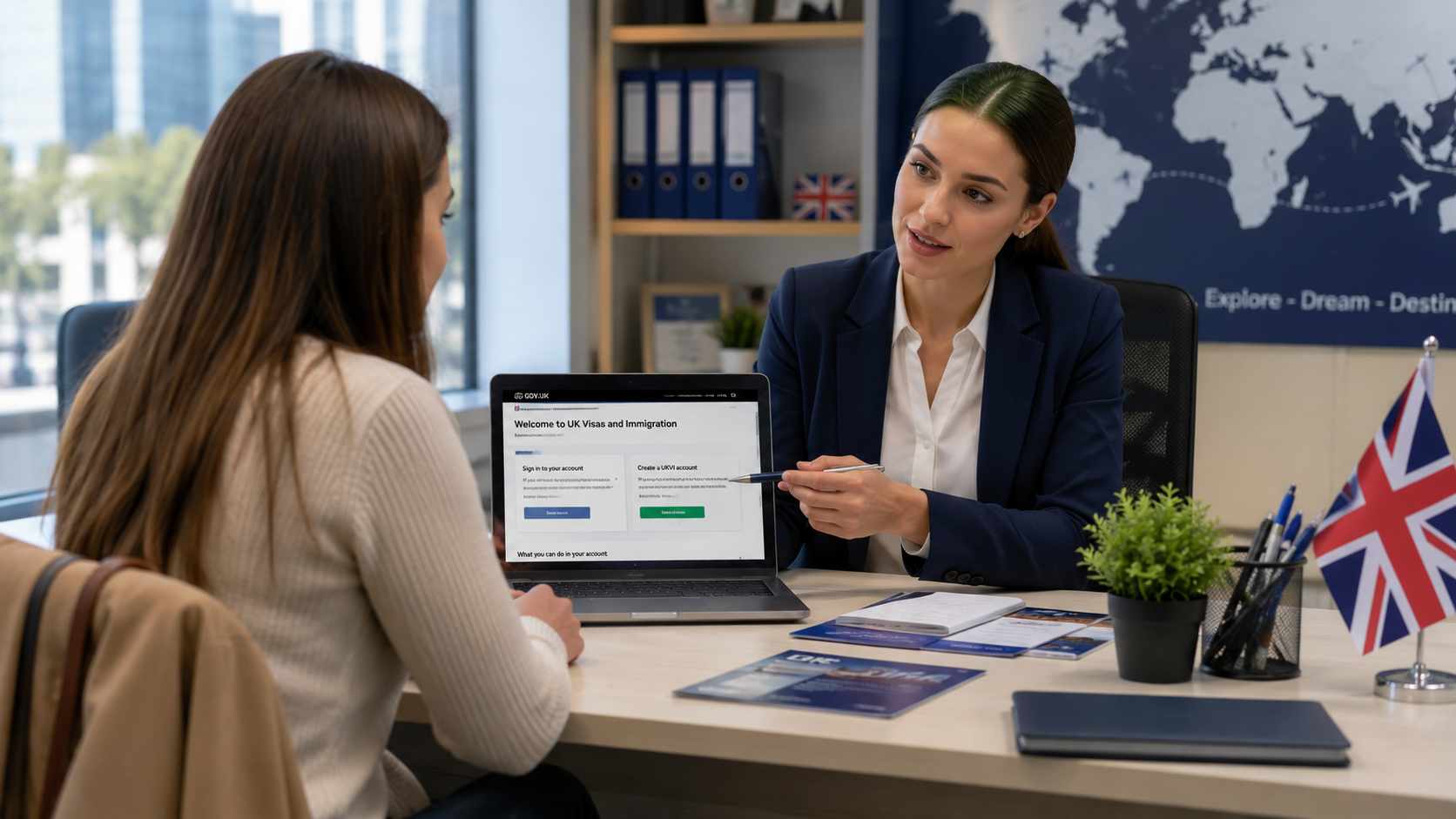
A UKVI account is simply your online account that holds proof of your immigration status. Instead of a plastic card or a stamp in your passport, your eVisa lives inside this account, linked to your name and passport.
Once it’s set up, you can log in anytime to see your status, check what you’re allowed to do (like work or study), and create a share code. This share code lets an employer, landlord, or border officer check your status online, without you handing over any paper document.
There are real benefits to this system. A digital record can’t be lost, stolen, or damaged, unlike a physical card. You don’t have to wait for a card to be printed and posted to you. Checks at the border or with an employer become faster too, since everything is done digitally. On top of that, some government departments can check your status automatically when they need to, so you don’t have to keep sending the same proof again and again.
Who Needs to Set Up a UKVI Account?
You need a simple UKVI account if you have, or are applying for, any of these:
- A Biometric Residence Permit (BRP)
- A Biometric Residence Card (BRC)
- A visa sticker in your passport with no expiry date, if you have settlement (indefinite leave to remain)
- Settlement in the UK, also called indefinite leave to remain
- A digital record showing you’re exempt from immigration control, for example diplomats
- A digital certificate showing you have right of abode in the UK
- A Form for Affixing a Visa (FAV)
- A visa extension, if you don’t have a valid passport or your old BRP has expired
One thing worth knowing: every family member needs their own account. Your partner and each of your children need a separate UKVI account, even if you all applied together. One account cannot cover the whole family.
You don’t need a UKVI account if you’re visiting the UK on an Electronic Travel Authorisation (ETA), or if your permission to stay is for the Channel Islands, the Isle of Man, or Gibraltar. These aren’t part of the eVisa system.
Not sure if you already have an account? A few signs you probably do: you’ve used the “UK Immigration: ID Check” app before, you got a UKVI account email after a past visa application, you’ve already swapped a BRP or BRC for an eVisa, or you applied through the EU Settlement Scheme. If any of this sounds like you, don’t create a new account. Try logging in first to see if your eVisa is already there.
Step-by-Step: How to Setting Up Your UKVI Account and eVisa
You can set up a UKVI account yourself online, but small mistakes at this stage can cause big headaches later. Here’s how to do it properly, step by step.
Step 1: Prepare Your Documents
Before you start, keep these things ready:
- A valid passport, plus your visa application number (called a GWF number or a UAN)
- Or, a valid passport plus your BRP number
- If your BRP has expired, you can still use it, but only for up to 24 months after the expiry date, or until 31 December 2026, whichever comes first
You’ll also need a mobile number and an email address you can access every time you log in, since these are used to verify who you are.
Step 2: Visit the Official Gov.uk Portal
Always start on the official government website. Never use a third-party website that claims to “help” you set up your account faster, since these are unnecessary and can put your personal details at risk. Go straight to the eVisa page on GOV.UK, which takes you to the real, secure government service.
Step 3: Verify Your Identity Using the ‘UK Immigration: ID Check’ App
Most people confirm their identity through a free app called “UK Immigration: ID Check”. It scans the chip in your passport and takes a quick photo of you, to confirm the passport belongs to you. This step is fast, but you’ll need a smartphone that supports it.
If you don’t have a valid passport, don’t have a smartphone, or your BRP has expired too long ago, there’s another way to verify your identity. It’s a good idea to check this in advance so you’re not stuck halfway through.
If any of this sounds tricky, or you’re helping a family member through it, CrownVisa can walk you through each step over a call — just get in touch and we’ll sort it with you.
Step 4: Link Your Passport to Your eVisa
Making the account is only half the job. You still need to link it to your eVisa before you can actually use it. If you skipped this at the start, you can go back into your account dashboard later and finish the linking there. Until this is done, your eVisa won’t show up, so don’t leave it until the day before you travel.
Why Keeping Your Details Updated is Crucial
Setting up the account is just the first step. It is equally important to maintain it updated as well.
The most important aspect is your passport. Whenever you get a new passport, you have to update your UKVI account with the new information. Your eVisa is linked with a certain passport number. If you travel with a new passport and your UKVI account is not updated accordingly, border control officers might not find (your details that can result in delays).
If you received a Home Office travel document, then usually after the approval, it is linked with your UKVI account within two working days. However, remember to carry the travel document while travelling as it also has to be presented in its physical form.
The most common mistake is not updating the details in your account. This can lead to various troubles at passport control, or while proving the rights to work or rent property. You can begin checking your account after any change occurs: either your passport is changed or your phone number.
FAQs
Do I have to pay to get my UKVI account sorted?
Not a penny. Setting up your account and getting your eVisa linked is entirely free. Please steer clear of any dodgy websites trying to charge you for this—you should only be dealing with the official government site.
How do I show my status to a boss or a landlord?
It is quite straightforward. Once your eVisa is linked, you just log into your account and generate a ‘share code’. You then pass this code to your employer or landlord, and they can check your right to work or rent through the online system. You will not need to hand over any physical paperwork.
Does switching to an eVisa change my immigration status?
No, it does not change your status in the slightest. Your legal rights and the conditions of your stay in the UK remain exactly as they were. It is simply a change in how your records are stored and shown to others.
How CrownVisa Can Help You
Even with clear official steps, plenty of people still get stuck. Maybe your BRP is about to hit the 24-month cut-off, maybe your identity check failed for no obvious reason, or maybe you’re trying to set up accounts for your whole family and it’s getting confusing. One small mistake here, like missing the identity verification step or forgetting to update a new passport, can lead to real trouble at the border or with an employer.
This is exactly where CrownVisa can help. Our team helps clients every day with setting up UKVI accounts, fixing failed identity checks, and updating accounts after a passport renewal or other change. We explain everything in plain language, help you gather the right documents beforehand, and catch problems before they become serious.
If your case is more complicated, such as dependants joining you, an expired BRP close to its deadline, or needing the alternative identity check, having someone experienced beside you saves a lot of time and worry.
Need help setting up your UKVI account or linking your eVisa? Get in touch with CrownVisa today, and we’ll guide you through the whole process, start to finish.